
Settings that apply live
A Settings window with no OK button: every control applies as it changes. A search box over every row, and a plain settings.properties you can edit by hand.
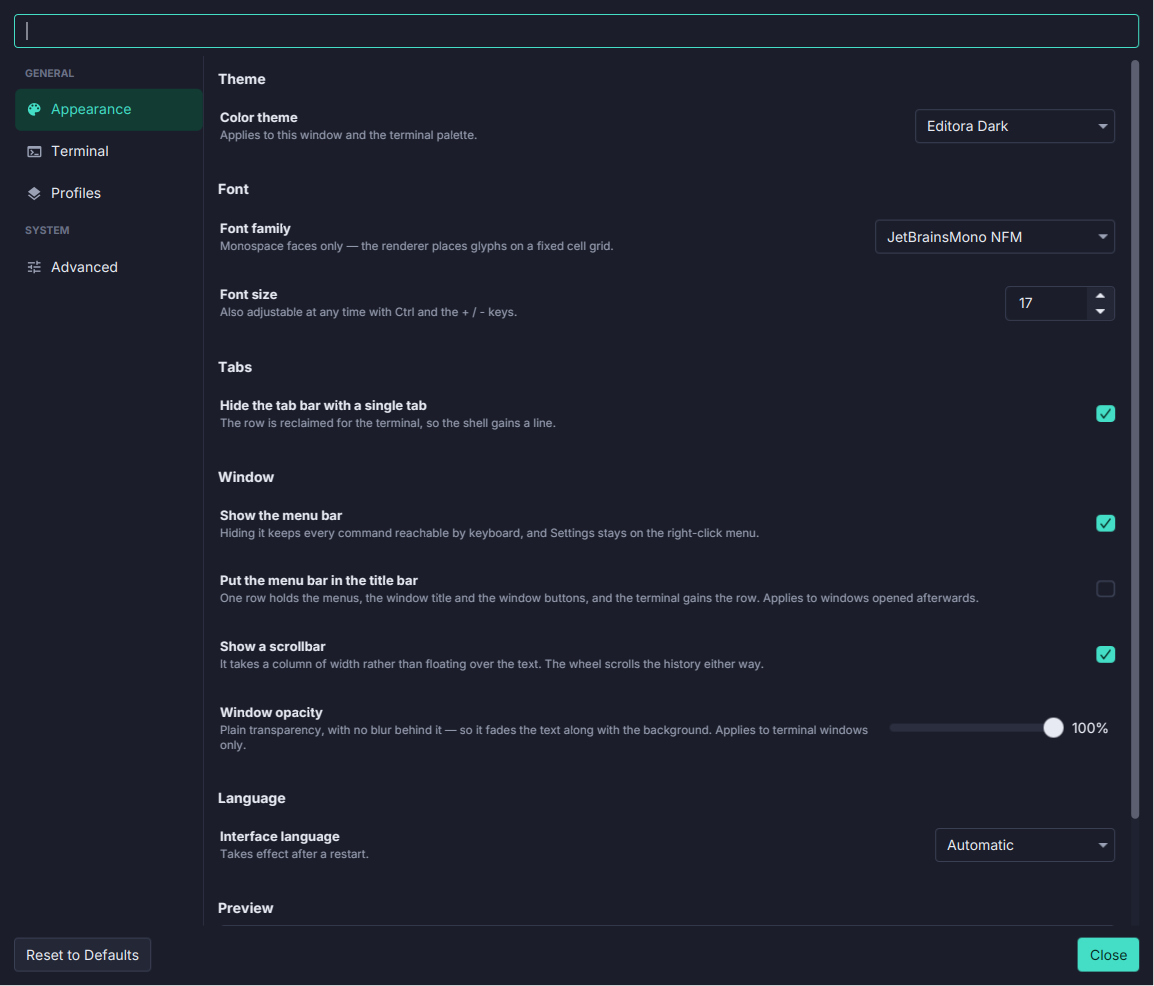
- No OK button. A theme, a font or the opacity changes the terminal the moment you pick it, and the Appearance page shows a live preview.
- It says what waits. The two settings that cannot apply live, the scrollback size and the shell, say so on their own rows and apply to new tabs.
- Search narrows the rows and the pages at once, and opens the page with the best match.
- A file you can read. Everything is in
~/.termina/settings.properties. A bad line costs only that key, values are clamped when read as well as written, and the file is replaced atomically, so a crash cannot leave it empty. - Reset to Defaults asks first, and keeps your profiles.
- Sidebar icons since 0.10.0: Appearance, Terminal, Profiles and Advanced each have their own.
See Settings.